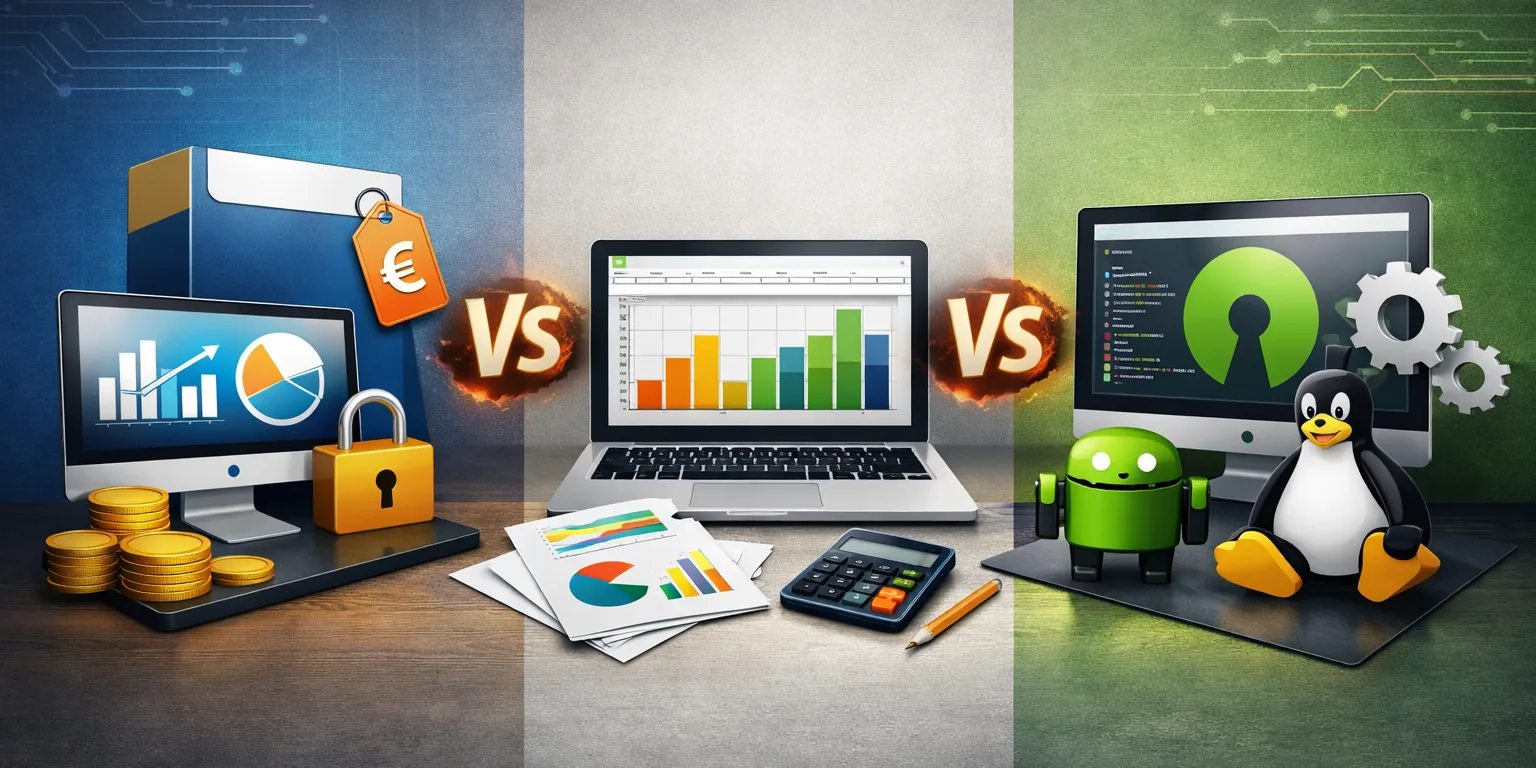
There are three ways to keep an eye on your investments: a spreadsheet, a free app or paid software. None is «the best» in absolute terms — it depends on you. But to choose well you need to understand something almost no one explains: what you really pay in each case, even when you don’t hand over a cent.
None is a scam and none is perfect. Let’s look at them one by one — with real pros and cons — and then tackle the uncomfortable question: if an app is free, who pays the bill?
The spreadsheet: the honest starting point
Pros. It’s free, entirely yours and flexible: you put in what you want, the way you want. You understand it deeply because you build it, your data stays on your computer and — no small thing — you genuinely learn how your portfolio works.
Cons. You update it by hand: prices, dividends, exchange rates. One wrong formula and the numbers become false without you noticing. You get no automatic price history, nor real returns net of inflation without extra work. And the bigger the portfolio grows, the more unwieldy and fragile it becomes: one lost file or an old copy is all it takes.
And there’s one chore that stays even with few holdings: rebalancing. Deciding how much to buy or sell to bring the weights back to target, factoring in new contributions, is a recurring little task — small, but real. This too is «paying with time».
What makes a spreadsheet creak
A spreadsheet holds up as long as the portfolio is simple. It starts to creak when complexity enters:
- Glidepath. Gradually shifting your allocation over time — more bonds as you near your goal — is almost impossible to maintain by hand.
- Bonds. Coupons, maturities, accrued interest, inflation-linked notes: every detail is one more formula that can go wrong.
- Single stocks. Many holdings, dividends, corporate actions (splits, mergers) to record by hand.
- Multi-asset and multi-currency. More asset classes and currencies multiply weights, exchange rates and reconciliations.
The more of these you have, the more fragile the spreadsheet gets and the more time it steals — and that’s where it makes sense to consider a dedicated tool.
Free solutions: convenient, but there’s a catch
Pros. Zero cost, often polished and immediate, they update prices on their own, nothing to install. For many they’re the first real jump in convenience over a spreadsheet.
And here’s where the right question kicks in. Software costs real money to run — especially software that shows you market prices. If it doesn’t ask you for a cent, it’s covering those costs some other way. It’s not malice: it’s economics.
If it’s free, who pays the bill?
A free product, almost always, sustains itself in one of these ways:
Then there’s the «freemium» model: the free tier is the taste, the features you actually need are paid. It’s legitimate, but know that there the free part is bait.
What it really costs to «provide prices»
There’s a cost line users never see, and it explains why a good tool can rarely stay free forever without one of the trade-offs above: distributing market prices costs money. Here are the expenses such a system faces every month, even without collecting a single subscription:
In plain terms: paying a stated price means the product can cover these costs with your money — and therefore doesn’t need to monetise you through ads or by reselling your data. Sometimes the price in the open is the most honest cost you can pay.
Paid software: what you gain and what you risk
Pros. Up-to-date, reliable data, history and real returns computed for you, support when something goes wrong, no ads. Your data stays yours, because the business model is you-the-customer and not you-the-product. There’s more continuity (those who pay the bills are less likely to disappear overnight) and, not least, it gives you back time: you stop updating everything by hand.
Cons. It costs, and you have to judge whether that price is worth the benefit to you. Paying is no guarantee of quality: mediocre paid software exists too. And watch out for «lock-in»: choose tools that let you export your data, so you’re never a prisoner.
How to choose, in practice
- Few holdings, little activity → a well-made spreadsheet is plenty.
- You want convenience and you’re fine «paying» with attention or data, accepting the risk it shuts down → a free app can do.
- The portfolio grows, you want reliable data, history, real returns and to keep your data private → a price in the open makes sense.
There’s also a useful numerical check: how much the cost weighs on your wealth. The same fixed price looks very different depending on how much you have:
| Portfolio | Weight of €100/year (example) |
|---|---|
| €5,000 | 2.0% |
| €20,000 | 0.5% |
| €50,000 | 0.2% |
| €100,000 | 0.1% |
| €250,000 | 0.04% |
On a small portfolio a fixed fee weighs a lot (and often isn’t worth it): better a spreadsheet or a free solution. On a large one it becomes negligible. But the weight alone isn’t enough: the cost must always be set against how much it saves you — in time, errors and bad decisions avoided.
The right question isn’t «how much does it cost», but «what am I paying, and with what?». Sometimes the answer is a spreadsheet. Sometimes it’s a subscription. Rarely is it «free, full stop».
If you don’t pay with your wallet, you’re paying with something else: your attention, your data, or the risk that one day the service disappears, taking your history with it. Often the price in the open is the most honest cost.